How to Build a Portfolio Website in 2026
Learn how to build a portfolio website that gets you hired. Step-by-step guide covering structure, design, content strategy, and the best tools for 2026.
Why Every Professional Needs a Portfolio Website
A portfolio website is more than a digital resume. It is a controlled narrative about who you are, what you do, and why someone should work with you. In 2026, hiring managers, clients, and collaborators check your online presence before they ever reply to your email. A LinkedIn profile is table stakes. A portfolio website is what separates you from the crowd.
Unlike social media profiles that follow rigid templates, a portfolio site gives you full control over first impressions. You choose the layout, the tone, the projects you highlight, and the story you tell. Whether you are a designer, developer, writer, photographer, or consultant, a well-built portfolio turns passive visitors into active leads.
Define Your Goal, Audience, and Structure
Before choosing colors or templates, answer two questions: who will visit this site, and what should they do when they get there?
- Freelancers want clients to submit a project inquiry through a contact form.
- Job seekers want recruiters to download their resume or schedule a call.
- Creatives want visitors to browse their work and follow them on social platforms.
- Consultants want prospects to book a discovery session.
Your goal determines everything that follows: what pages to include, which projects to feature, and how prominent your call-to-action should be. Write your goal down in one sentence and refer to it every time you make a design decision.
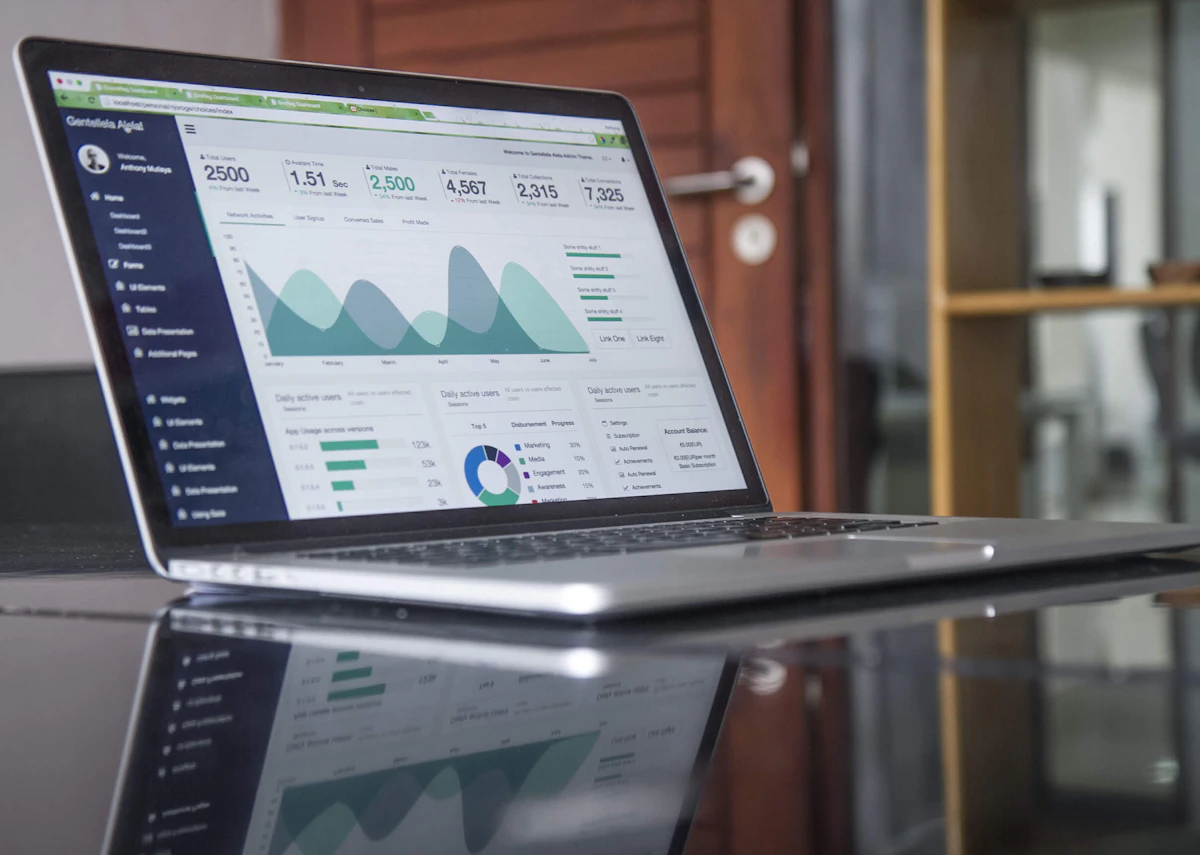
Choose the right structure
Most effective portfolio websites share a common structure that visitors expect. Deviating too far from it creates friction.
Essential sections
- Hero section — Your name, title, and a one-line value proposition. This is the first thing people see; make it count.
- About — A brief paragraph about your background, skills, and what drives you. Keep it conversational, not corporate.
- Projects or work — Three to six of your strongest pieces. Quality beats quantity every time.
- Testimonials — Social proof from past clients or colleagues. Even one or two quotes make a difference.
- Contact — A simple form or clear email link. Do not make people hunt for a way to reach you.
Optional sections
- Services — If you are a freelancer, list what you offer with brief descriptions.
- Blog — Demonstrates expertise and helps with SEO over time.
- Resume or timeline — Works well for job seekers who want to show career progression.
One-page portfolios work well for most people. Multi-page sites are better when you have deep case studies or multiple service lines.
Select Your Projects Strategically
The most common mistake in portfolio building is including everything you have ever worked on. Resist that urge. A portfolio with five strong projects outperforms one with twenty mediocre ones.
For each project you include, provide context:
- The problem — What challenge were you solving?
- Your role — What specifically did you contribute?
- The outcome — What measurable result did your work produce?
If you are just starting out and lack professional projects, use personal projects, volunteer work, or redesign concepts. The key is showing your process and thinking, not just polished final results.
Design for Clarity, Not Complexity
The best portfolio websites are clean, fast, and easy to navigate. You do not need animations on every element or a color palette with twelve shades. In fact, restraint is what makes a portfolio feel professional.
Follow these principles:
- Typography first — Pick one or two fonts. Use size and weight to create hierarchy. Good type choices do more for a site than any stock photo.
- Whitespace is your friend — Give content room to breathe. Cramped layouts feel amateur.
- Consistent spacing — Use a spacing scale (8px, 16px, 24px, 32px, 48px) for margins and padding.
- Limited color palette — One primary color, one accent, and neutral tones for backgrounds and text.
- Mobile-first — Over 60% of web traffic comes from phones. Design for small screens first, then scale up.
Tools like mnml.page are built around these principles, giving you minimal, polished templates that look professional without requiring design expertise.

Write Great Copy, Then Publish and Iterate
Your portfolio is not a legal document. Write in first person. Use short sentences. Be specific about what you do and avoid jargon that only people in your industry would understand.
Compare these two introductions:
- Bad: "A results-driven professional with 10+ years of experience delivering innovative solutions across multiple verticals."
- Good: "I design mobile apps for healthcare startups. My work has helped three companies go from prototype to launch in under six months."
The second version is specific, memorable, and tells the reader exactly what to expect. Apply this same directness to every section of your site.
Publish and iterate
Do not wait until everything is perfect. Launch with your best three projects, a solid about section, and a working contact form. You can always add more later.
After publishing, test your site on multiple devices. Check load times using Google PageSpeed Insights. Ask a friend or colleague to navigate the site and give honest feedback about anything confusing.
Set a reminder to update your portfolio quarterly. Add new projects, remove outdated ones, and refresh your about section as your career evolves. A stale portfolio is almost worse than no portfolio at all.
Building a portfolio website does not need to be a months-long project. With the right structure and a clear goal, you can have a professional site live in an afternoon. Focus on substance over style, keep things simple, and let your work speak for itself. If you need help choosing the right platform, check out our best portfolio sites for designers comparison. And make sure your site looks great on every device with our mobile-friendly guide.
Ready to build your site?
Create a beautiful portfolio or personal website in minutes. No code, no complexity.
Get started