Portfolio Website vs PDF Portfolio: Which One Gets You Hired?
Portfolio website vs PDF portfolio — learn when each format works, what hiring managers actually prefer, and why most creatives should have both.
When you're applying for a design role or pitching a new freelance client, someone will eventually ask for "your portfolio." The question sounds simple until you realize there are two possible answers: a link to your website, or a PDF you attach to an email.
Most creatives end up with one or the other. Both camps have strong opinions. The reality is more nuanced — and the right choice depends almost entirely on context.
Here is a clear-eyed comparison of both formats, when each one works, and how to stop agonizing over which to prioritize.
What Makes Each Format Useful
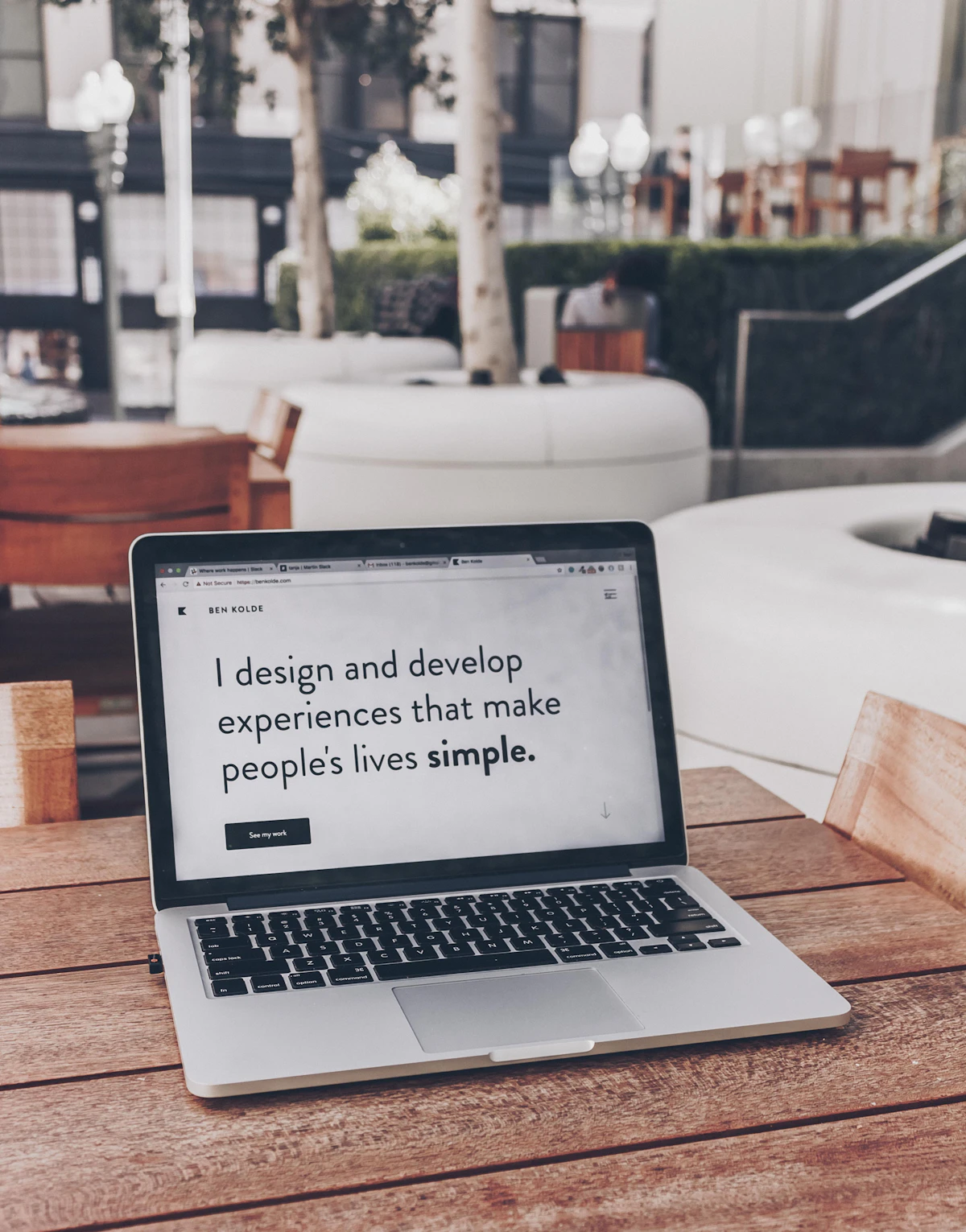
A portfolio website is a live, hosted page with your work and contact information. It loads in a browser, can be updated instantly, and is accessible to anyone with the URL. It shows your work as it actually exists on the web.
A PDF portfolio is a designed document — typically 10–30 pages — assembled and exported for distribution. It is self-contained, opens without internet, looks identical on every device, and can be attached to an email or uploaded to an applicant tracking system.
Neither replaces the other entirely. They solve different parts of the same problem.
The Case for a Portfolio Website
A portfolio website does things a PDF simply cannot.
It stays current. Update a project or add a new case study and every person who clicks your link sees the latest version. A PDF is a snapshot in time — if you send it Monday and close a new project Thursday, everyone who received Monday's version never sees Thursday's work.
It shows range and depth. You are not constrained by page count. A detailed case study with twelve images, a process video, and client testimonials fits naturally on a website. Cramming that same depth into a PDF forces compromises — usually sacrificing either the images or the written context.
It signals professional investment. In 2026, having your own domain with a clean site immediately puts you in a smaller category of candidates. Most people have a LinkedIn. Fewer have a well-designed personal site. That distinction matters in competitive fields.
It works as a discovery channel. A website can rank in search results. If you write a short case study, explain your approach on your about page, or mention your specialty throughout, Google can surface your site to someone looking for exactly what you do. A PDF is invisible to search engines.
It loads faster for context-switching reviewers. A hiring manager scanning applications does not want to download a file, wait for it to open, and navigate a PDF viewer. A link opens in a tab they can close in one keystroke.
The Case for a PDF Portfolio
If websites are so much better, why does PDF persist? Because it solves real problems.
It works in applicant tracking systems. Most corporate job applications require uploaded attachments. A URL field is not always present. Even when it is, automated screening often ignores links entirely. If the role matters, you need a document in the system.
It is completely controlled. You know exactly how it looks. No browser differences, no mobile layout shifts, no slow image loading on a spotty connection. A well-designed PDF renders identically on every device — which matters when you are sending work to someone whose setup you do not know.
It reads well offline. Reviewers who travel or prefer distraction-free reading often save PDFs for later. A link requires internet and a browser. A PDF file travels wherever the person goes.
It creates a deliberate reading order. A portfolio website lets visitors click around and skip things. A PDF guides someone through a curated sequence — your strongest project first, your process next, your background at the end. When you want to control the narrative, PDF gives you that structure.
It is expected in some industries. Architecture, publishing, editorial design, and certain agency roles have a PDF culture. Sending a link when they expected an attachment can read as slightly off-form, even if your website is excellent.
Where Each Format Falls Short
Websites require maintenance. A broken image, an expired SSL certificate, or a platform going offline can make your portfolio unavailable at the worst moment. They also require a device and a reliable connection — if your interviewer wants to check your work and pulls out a phone in a low-signal area, a website may fail you.
PDFs go stale. Send fifty applications over three months and the work in each one is three months old by the end. Large PDFs are also inconsiderate — a 40MB file attached to an email is annoying to receive, and many email systems block large attachments entirely. File size discipline matters.
What Hiring Managers Actually Do
Here is the practical reality: most hiring managers check both, in order.
They receive your application. They open the PDF first because it is right there. If the PDF holds their attention, they visit the website to get a fuller picture and look for recent work. If the PDF loses them in the first five pages, they may not click the link at all.
This means the PDF has to earn the visit to your website. Your PDF is not a complete portfolio — it is a trailer for your website.
When to Use Which
Send a PDF when:
- Applying through a job posting or applicant tracking system
- Responding to a direct request for a portfolio file
- Preparing for an in-person interview — a printed backup covers you if technology fails
- Working in industries with a PDF-first culture: architecture, publishing, print design
Lead with your website when:
- Doing outbound client outreach via cold email
- Sharing your work on social media or in forums
- Networking at events — a QR code pointing to your site is faster and more memorable than a file
- Writing cold pitches where a clean link reads as more confident than an attachment
Use both simultaneously when:
- Applying to competitive roles — mention both in your email: "I've attached a PDF overview; my full portfolio is at yoursite.com"
- Reaching out to agencies — they often forward your work internally and need a file they can pass around

The Practical Strategy
Build the website first. It is the authoritative version of your work. Everything else — PDF, social profiles, email signatures — points back to it.
Then create a PDF that is a curated excerpt of your best three to five projects. Think of it as a highlight reel with a clear call to action at the end: your name, email, and your website URL. The PDF should make someone want to visit your site, not replace the need to.
Keep your PDF under 10MB. Aim for five to eight pages showing only your strongest case studies. Update it every time you update your website's featured projects — they should always reflect the same work.
For the website half of this strategy, mnml.page is built specifically for this use case: a clean, fast portfolio that loads instantly on any device, which matters most when your PDF just earned you a click.
Make Your Website as Reliable as a PDF
The main objection to going website-first is reliability. Fix it:
- Use a custom domain — free subdomain URLs look temporary and get forgotten
- Check your site every few months to confirm SSL is valid and images are loading
- Test on mobile before sending any link — most people check URLs on their phones first
- Keep a screenshot backup of each project for in-person conversations where connectivity is unreliable
A well-maintained website beats a polished PDF on almost every dimension. The PDF just needs to be good enough to earn the click.
For a step-by-step approach to getting your site ready to send, the portfolio website launch checklist covers everything to verify before sharing a link. And if you are still deciding between website platforms, Dribbble vs Behance vs portfolio website breaks down how the major options compare.
Tools & Resources
-
Canva — Accessible design tool for building a clean PDF portfolio without professional design software. Has portfolio-specific templates that make layout decisions fast and consistent.
-
Adobe Express — Adobe's simplified design tool for creating PDF portfolios, with direct integration to Creative Cloud assets for designers already in that ecosystem.
-
Smallpdf — Browser-based tool for compressing PDF files to email-safe sizes without visibly degrading image quality. Essential once your PDF is designed and ready to send.
-
Google PageSpeed Insights — Free tool to check how fast your portfolio website loads, especially on mobile. A slow website undercuts everything your PDF worked to earn.
-
mnml.page — Minimal portfolio builder designed to be fast, clean, and mobile-first. Build the website half of this strategy without needing design or development skills.
Ready to build your site?
Create a beautiful portfolio or personal website in minutes. No code, no complexity.
Get started