How to Make a Photography Portfolio That Gets You Hired
Step-by-step guide to building a photography portfolio that showcases your best work and attracts clients. Curation, layout, and presentation tips.
A photography portfolio is not a collection of every photo you have ever taken. It is a carefully curated argument for why someone should hire you. The best portfolios tell a story, demonstrate consistency, and make it effortless for potential clients to understand your style and expertise.
This guide walks through the complete process of building a photography portfolio that actually leads to work, from selecting images to choosing the right platform and presentation.
Curate Ruthlessly: Quality Over Quantity
The biggest mistake photographers make is showing too much work. A portfolio with 200 images does not prove you are prolific. It proves you cannot edit. Art directors and clients will spend 30 seconds to two minutes on your portfolio. Every weak image dilutes your strong ones.
How to curate effectively:
- Start with 50-60 of your best images. Then cut that down to 20-30. If you specialize in multiple areas (portraits, events, product), aim for 8-12 images per category.
- Remove anything you feel the need to explain. If a photo only works with context ("the lighting was really difficult that day"), it does not belong in your portfolio.
- Ask someone you trust to pick their top 10. Fresh eyes often see your strongest work more clearly than you can. Notice which images they skip over.
- Update quarterly. Your portfolio should evolve as your skills improve. Set a calendar reminder to swap out older work for newer, stronger pieces.
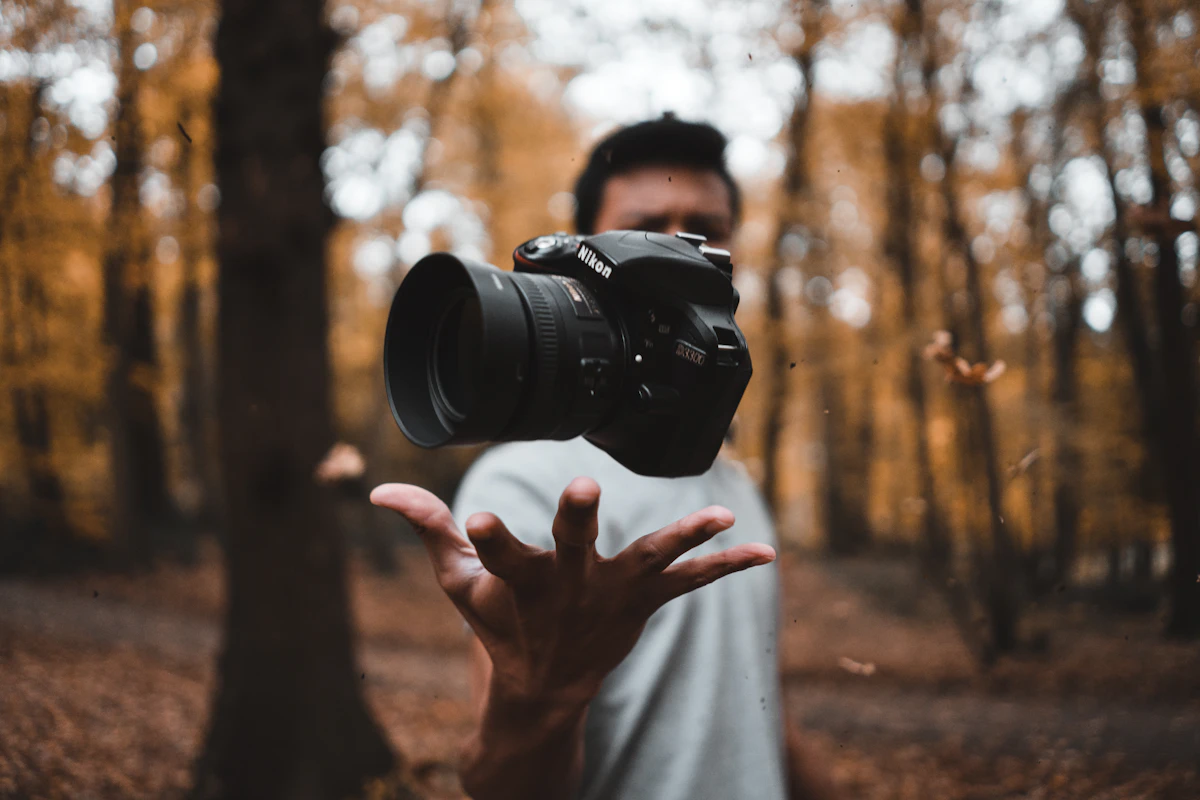
Think of your portfolio as a highlight reel, not a documentary. Each image should earn its place.
Organize by Project or Theme, Not by Date
Clients do not care when you took a photo. They care about what you can do for them. Organize your portfolio in a way that makes your capabilities immediately clear.
Effective organization strategies:
- By genre: Portraits, landscapes, product, events, editorial. This works well for generalists who serve different markets.
- By project: Group images from the same shoot or series together. This shows your ability to deliver a cohesive set, which is what clients actually buy.
- By industry: Food, fashion, real estate, tech. If you serve specific industries, organize around them so clients can quickly find relevant work.
Avoid organizing chronologically or by camera/lens. These structures serve your memory, not your visitors. Put your strongest category first since many visitors will not click past the first gallery.
Choose the Right Layout and Platform
Your platform choice should put your photos front and center. Avoid builders with busy templates, intrusive navigation, or small image displays. Photography portfolios need full-width images, clean backgrounds, and fast loading times.
What to look for in a portfolio platform:
- Large image display: Your photos should be the hero, not squeezed into a sidebar or grid of thumbnails.
- Fast loading: High-resolution images need proper optimization. Choose a platform that compresses and serves images efficiently without destroying quality.
- Clean design: White or neutral backgrounds. Minimal navigation. No distracting animations or effects that compete with your work.
- Mobile-responsive galleries: Over half of portfolio views happen on mobile. Your images need to look good on phone screens.
- Custom domain: yourname.com looks professional. yourname.someplatform.com does not.
Tools like mnml.page are built for this type of clean, image-first portfolio with gallery blocks and minimal layouts. Squarespace is another solid option, though more expensive. Avoid generic builders that make your portfolio look like a corporate website.
Write an About Page That Builds Trust
Your About page is the second most-visited page after your gallery. It is where potential clients decide if they want to work with you as a person, not just admire your photos.
What to include:
- One paragraph about your specialty and experience. "I photograph food and restaurants in Austin, TX. I have worked with [notable clients or publications]."
- Your approach or philosophy in one sentence. Not a manifesto. Something like "I focus on natural light and candid moments" tells clients what to expect.
- A professional photo of yourself. People hire people. A headshot builds connection and trust.
- Location and availability. Clients need to know if you are local or willing to travel.
What to leave out:
- Your life story or how you got your first camera at age 12
- A list of every piece of equipment you own
- Generic statements like "I am passionate about capturing moments"
Keep it short. Three to four paragraphs maximum. Clients are evaluating whether you are professional and capable, not reading a memoir.
Make Contact Information Impossible to Miss
It sounds obvious, but many photography portfolios bury their contact information. If a client wants to hire you, the path from "I like this work" to "I sent an inquiry" should be frictionless.
- Put your email in the header or footer of every page. Do not make people hunt for it.
- Include a simple contact form. Some clients prefer forms over opening their email app. Keep it to three or four fields: name, email, project type, and message.
- Add your Instagram or relevant social media. Many photographers get inquiries through Instagram DMs. Link to it prominently.
- Consider adding pricing information. Even a starting rate or "packages start at $X" helps qualify inquiries and saves everyone time.
Every page on your portfolio should have a clear path to contact. A floating contact button or persistent footer link works well.
Optimize for Search and Sharing
A beautiful portfolio is useless if nobody can find it. Basic SEO and social sharing optimization take 30 minutes and can bring in organic traffic for years.
- Write descriptive page titles: "Sarah Kim - Food Photography in Austin, TX" is better than "Home."
- Add alt text to images: Describe what is in each photo. "Overhead shot of pasta dish at Barley Swine restaurant" helps search engines understand your content and improves accessibility.
- Set up Open Graph meta tags: When someone shares your portfolio link on social media, you want a good preview image and description to appear.
- Create individual project pages: A page for each major project gives search engines more content to index. "Austin Restaurant Photography" as its own page can rank for those search terms.
- Use your name as your domain: sarahkimphotography.com will rank when someone searches for your name, which is exactly what you want after a referral.
You do not need to become an SEO expert. These basics put you ahead of 90% of photographers who ignore search entirely. Build your portfolio, keep it updated, and let the work speak for itself. For more on making your images load fast without losing quality, read our guide on how to optimize images for web. And if you are still choosing a platform, see our comparison of portfolio site builders.
Ready to build your site?
Create a beautiful portfolio or personal website in minutes. No code, no complexity.
Get started