How to Build a Portfolio Website When You Have No Experience
Building a portfolio with no experience is possible. Here's how to create strong work samples, structure your first portfolio site, and land your first clients.
The trap that stops most beginners from building a portfolio: waiting until they have "real" work to show before creating a portfolio site.
The problem is circular. You need a portfolio to land clients. You need clients to fill a portfolio. So you stay stuck, waiting for permission you cannot give yourself.
The way out is to realize that portfolio work and client work are not the same thing. You do not need paid projects to build a portfolio worth sending.
Why Spec Work Is Legitimate
"Spec work" means projects you completed on your own initiative rather than for a paying client. Redesigning an app you use every day. Creating a brand identity for a fictional bakery. Writing a sample blog series for a topic you know well. Developing a photography project around a theme you chose.
Spec work gets dismissed in some professional circles, but that is mostly misplaced gatekeeping. A hiring manager or potential client looking at your portfolio does not care whether someone paid you for the project — they care whether the work demonstrates that you can do what you claim. If your spec project is strong, it does the same job as client work.
The only caveat: present spec work clearly. Label it as a personal or concept project. Do not pretend it was commissioned when it was not. Honesty about the origin does not diminish the quality of the work.
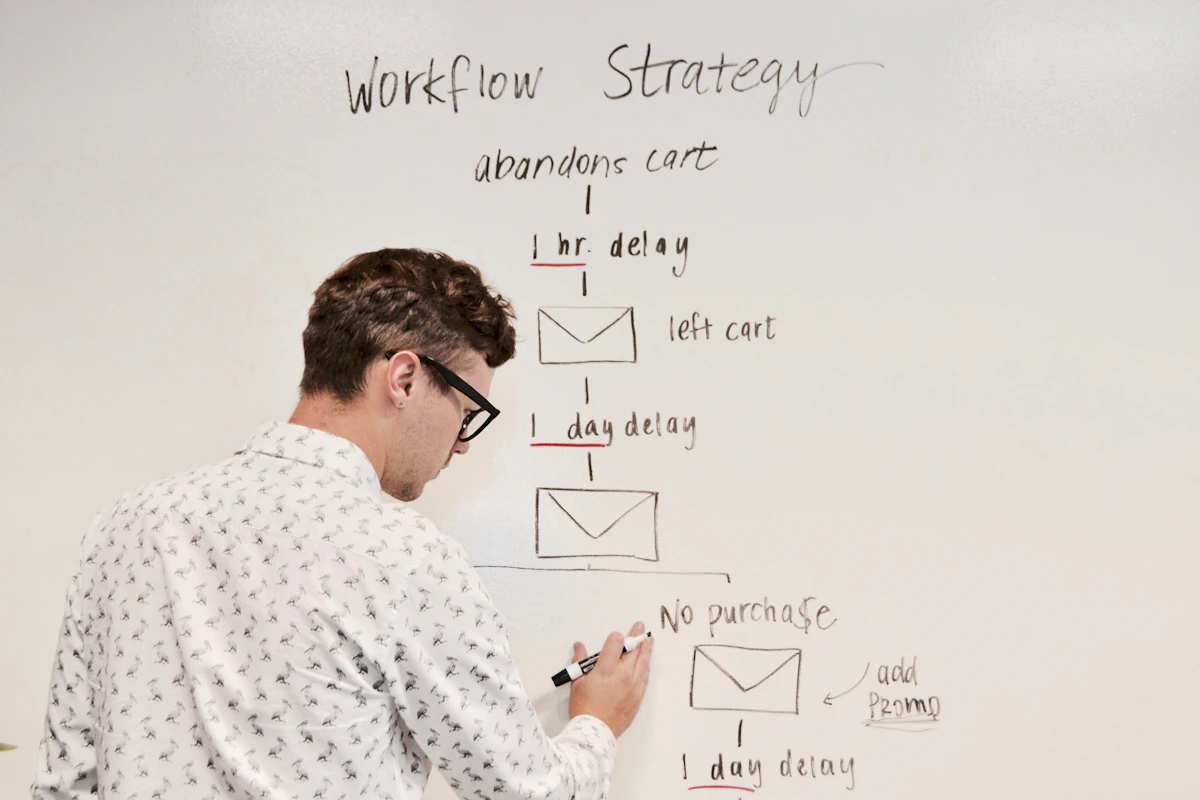
Five Types of Work You Can Create Right Now
If you have no existing projects to show, here are five approaches that consistently produce strong portfolio entries.
1. Redesign an existing product or website. Pick something you use regularly — a local restaurant's website, a popular app, a nonprofit landing page — and redesign it. Document the problem you identified, your reasoning, and the new solution. These are among the most compelling portfolio entries because they show critical thinking alongside craft. Seeing what a designer would change about something that already exists tells you exactly how they think.
2. Build a project from scratch. Choose a problem you genuinely care about and solve it. A developer might build a utility app that fixes something that frustrates them daily. A photographer might shoot a personal project around a place or community they know well. A copywriter might write a sample email sequence for a brand they admire. Personal projects built from genuine interest tend to be more distinctive than fake briefs — you made real decisions rather than following someone else's specification.
3. Volunteer for a real client. Nonprofits, local charities, community organizations, and early-stage startups are chronically underserved when it comes to design, development, and communication. Offer your skills for free or a nominal fee in exchange for permission to use the work in your portfolio and a testimonial. You get real constraints, a real stakeholder, and a real outcome — which makes for a far more honest case study than most spec work.
4. Reproduce and adapt existing work. An educational exercise: find professional work you admire and recreate it, then adapt it to something different. The recreation is for learning — the adaptation is the portfolio entry. This is a well-established method in design, illustration, and development, and it produces documentation of your growth over time.
5. Complete a student brief or competition. Design competitions, hackathons, and open briefs produce real projects under real constraints with deadlines. D&AD New Blood and 99designs contests provide briefs and feedback. Developer hackathons on Devpost do the same. Placing or participating gives you a portfolio entry with social proof attached.
What Sections Your First Portfolio Needs
A beginner portfolio does not need to be comprehensive. It needs to be complete — meaning it answers the questions a potential client or employer is actually asking.
Hero section. Your name, what you do, and who you do it for. This is the one line almost every portfolio visitor reads before deciding whether to stay. Keep it specific — not "I'm a designer" but "I design brand identities for early-stage startups." Specificity signals confidence even when you are new.
Work samples. Two or three projects, fully documented. You do not need ten mediocre projects — you need two or three strong ones. If you only have two spec projects, show two. Curate rather than pad.
About section. A short bio that is honest about your experience level without apologizing for it. "I'm a recent design graduate with a focus on brand and identity work, available for junior roles and freelance projects" is confident and clear. Avoid phrases like "aspiring" or "hoping to" — they signal doubt, not ambition.
Contact. Email or a simple contact form. Make it impossible to miss. Put it in the navigation and at the bottom of every page.
That is it. No need for a blog, a testimonials section, a resume download, or a skills grid until you have content to fill them. A simple portfolio that answers the core questions beats a sprawling site with empty sections every time.

How to Position Yourself When You Are New
Positioning is how you tell potential clients who you are and what you are best at. It feels uncomfortable to specialize when you have limited experience — the instinct is to stay broad and take anything you can get.
Resist that instinct. Broad positioning makes your portfolio forgettable. "I do web design, logos, print, and social media" tells clients nothing memorable. "I design websites for independent personal trainers and wellness coaches" tells them exactly who to contact when the right project comes up.
Pick a niche you have actual interest in or adjacent knowledge of. If you studied architecture, offer your design services to small architecture practices. If you worked in restaurants before switching to development, target food businesses. Prior knowledge of an industry is a legitimate differentiator that compensates for limited professional experience.
You can always expand later. Niche positioning gets you started; versatility develops over time.
Getting Your First Client
Once your portfolio is live, the fastest path to a first paying client is usually direct outreach rather than passive waiting.
Identify ten small businesses in your niche with weak websites, dated branding, or poor copywriting. Write a short, specific email explaining what you noticed and what you could improve. Attach one relevant example from your portfolio. Ask if they would be interested in a free initial conversation.
Most emails will go unanswered. Some will decline. One or two will respond — and that is how careers start. One client who says yes, do the work well, earn a testimonial, and now you have real client work for your next round of outreach.
The other channel worth using early: tell people you know. Referrals from personal networks are the single most common source of first clients for freelancers in every discipline. Mention your availability explicitly — "I'm available for freelance projects" needs to be said out loud before anyone can act on it.
If you are a designer, Dribbble and Behance are worth posting on early. They function as discovery platforms where potential clients search for talent, and a small following signals that your work exists.

Ship It, Then Improve It
The most common beginner mistake is not building the wrong portfolio — it is waiting too long to build any portfolio at all.
A live portfolio with two spec projects is infinitely better than a draft with eight polished ones that never gets published. You cannot get feedback, referrals, or clients from work that only exists on your hard drive.
Ship it now, then iterate. Add a second project next month. Update your bio when your positioning sharpens. Add a testimonial the moment your first client delivers one. Portfolios are not finished products — they are living documents that evolve alongside your career.
Building on mnml.page means you can have a clean, professional portfolio live in an afternoon without worrying about design or development. The structure is already there. You just fill it in.
Start where you are. Show what you have. Get better in public.
For more on writing compelling project pages, read our guide to portfolio project descriptions. Once you have a few client relationships established, the portfolio case study template will help you document them properly and start winning higher-value work.
Tools & Resources
-
Behance — Adobe's portfolio platform for creatives. Posting your projects here exposes your work to recruiters and clients who search the platform actively. Also a strong reference for understanding how professional designers document their process in case studies.
-
Dribbble — Primary discovery platform for visual designers. Posting consistently as a beginner builds visibility with potential clients and collaborators, even before you have an established track record.
-
D&AD New Blood — Annual awards with real briefs set by leading agencies and brands. Free to enter for students and recent graduates. Placing or being shortlisted is a portfolio entry with genuine industry credibility.
-
Devpost — Hackathon platform for developers. Competing in online hackathons produces real projects under real time constraints — exactly the kind of work that demonstrates technical problem-solving ability to future employers or clients.
-
mnml.page — Minimal portfolio builder for freelancers and creatives. Fast to set up, built around the sections that convert visitors into client inquiries, with no design or development skills required.
Ready to build your site?
Create a beautiful portfolio or personal website in minutes. No code, no complexity.
Get started